

AFTER LAUNCH
Why Working Automations Still Fail After Launch
An automation earns its place when it makes daily work easier, shows what needs attention, and gives the team a clear next step when something does not go to plan.

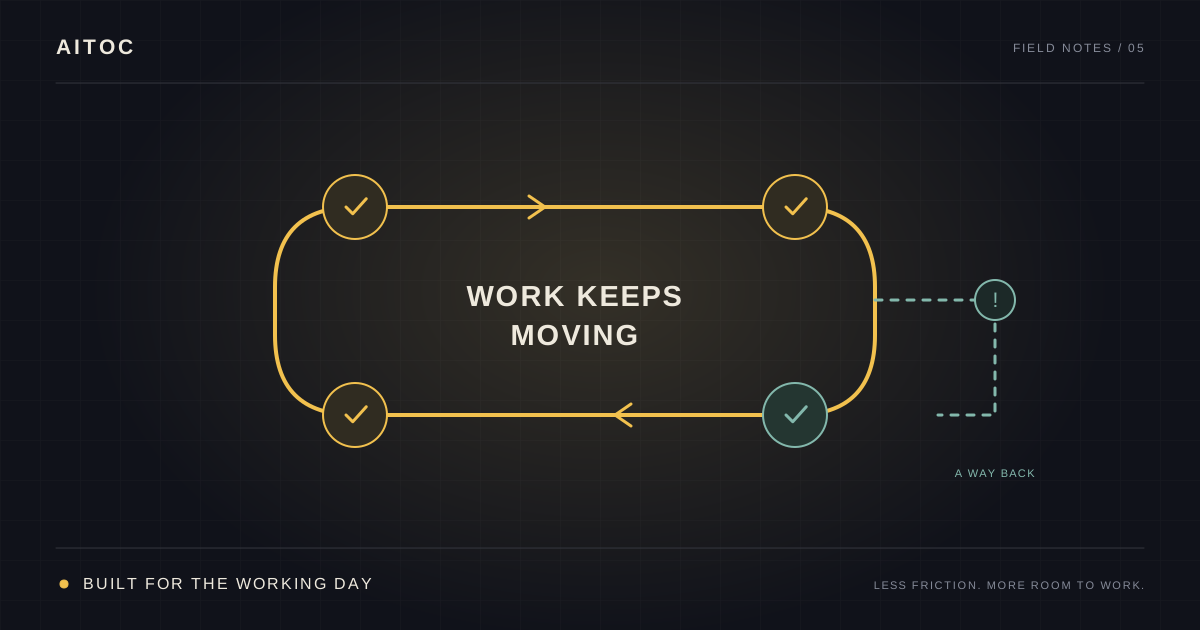
It worked in the demo. Why is everyone back in the spreadsheet?
Here is an illustrative situation. An automation creates a job record, sends a notification, and updates the dashboard. Everything works in the demonstration.
A few weeks later, the office is checking every record by hand. A crew could not complete the form on site. A customer exception had nowhere to go. Someone pressed submit again after a slow response and created a duplicate.
The team has learned that the old spreadsheet feels more dependable.
That is why I want to understand more than whether the automation runs. Does it make the actual job easier, and can people see what needs their attention?
A van can start perfectly in the yard and still be wrong for the crew if the equipment does not fit or it cannot reach the sites they visit. The demonstration matters. So does the working day it has to survive.
First, check why people take another route
A workaround is a useful place to ask questions.
Perhaps the form asks for information the crew will only have later. Perhaps someone has to enter the same details twice. Perhaps the new process is sensible, but the team has not had enough practice with it.
Sometimes the manual route is an agreed contingency while another system is unavailable. That is different from quietly abandoning the automation.
Ask someone to show you the last case they handled outside the intended route. What made that necessary or easier? Use their real device and account where possible. A workflow demonstrated on the builder’s laptop may feel very different on a phone at a job site.
Then fix the cause you find. Training helps with unfamiliarity. It cannot give a field worker information that has not arrived yet or remove a duplicate-entry requirement from the design.
Before building, we map how the work actually happens and question which steps are still needed. The team should not have to carry an awkward old process into new software just because that is how it has always been done.
Make “done” mean something useful
Suppose the goal is to get approved job information ready for payroll.
A green indicator saying “report sent” is helpful. But the office also needs to know whether the right job, hours, and approval reached the place they are needed—and which records are still waiting.
We build visibility around the workflow so you and your employees can understand what is happening. Depending on the job, that could mean a simple status view showing completed records and a short list of cases needing attention.
You should not need to read technical logs to answer an everyday question such as “Which reports are still missing approval?” Technical detail can remain available for whoever investigates a fault.
Agree what success looks like before launch. If the goal was less Friday chasing, measure the chasing and correction work afterwards. A higher run count does not, by itself, establish that the team got its time back.
For help choosing a baseline, see how to calculate the cost of manual work.
Give the awkward cases somewhere to go
A crew forgets a job reference. An approval arrives late. A connected service is temporarily unavailable.
These cases need a response that people understand. For example:
| Situation | A practical response to design and test |
|---|---|
| A required detail is missing | Hold the affected record and ask the responsible person to correct it |
| The same request arrives again | Recognize it and avoid creating a second material result |
| A connected system is unavailable | Show the delay, retry within agreed limits, and escalate if it remains unresolved |
| A decision needs a manager | Show the manager what needs deciding and keep the action waiting |
The exact behavior depends on the workflow. A draft internal report and a payroll submission do not need identical controls.
What matters to the user is knowing what happened, what is waiting, and who acts next. “Something went wrong” followed by silence leaves the office doing detective work.
Test the important exceptions before launch, alongside normal cases. Where possible, start with a limited group or volume so the team can gain confidence before expanding.
Ownership should make the system easier to live with
“Who owns this?” should have practical answers.
Who sees the records needing attention? Who can correct an input? Who can pause the workflow? Which problems need technical help?
That does not mean your office manager becomes a software developer. Resolving an unapproved timesheet is different from repairing a broken integration. We should make that boundary clear in training and handover.
Nor should every successful run need a person checking it again. The aim is to make routine progress visible and draw attention to the cases that need intervention. Some workflows warrant scheduled reviews; others need closer supervision because of their consequences. We agree what is appropriate rather than assigning the same monitoring routine to everything.
We provide training with recordings so the team can revisit it and newcomers have a starting point. People may still need practice and help with their specific responsibilities. A recording is useful support, not a substitute for all future training.
You should have help after launch
For our First Win engagements, we include 90 calendar days of post-launch support from production go-live, at no additional charge, for defects and production edge cases within the agreed scope.
That gives us time with the team as real work passes through the system. New functionality and later improvements are separate from that included support; we can discuss them when a new need appears.
We can also show your team the maintenance tasks appropriate to their skills and access. Technical changes may still need a developer. Systems, permissions, and business rules can change, so we should be clear about ongoing responsibilities rather than imply the automation will never need attention.
The useful handover gives you access, understandable instructions, visibility, and a clear route to help. You can choose whether to build more capability internally or ask us to handle future improvements.
Start with the work people still do around the automation
If an automation is already live, ask the team:
- What do you still check or repair by hand?
- Which cases do you handle somewhere else, and why?
- When something stops, do you know what to do next?
If you have not started yet, a Time Study can reveal where the hours go before you decide what to build. A spreadsheet works. Our RAFAI Time Study app takes about ten minutes to configure and lets you log activities as they happen. Activity data stays locally on your phone and is not sent to us; you choose whether to export or share it during an Automation ROI Audit.
Look at representative work, including the chasing and corrections around the main task. That gives us something concrete to improve and a baseline to return to after launch.
The result we want is ordinary in the best way: the work moves, the team knows where it stands, and an unusual case has a clear next step.
Denis Rafailov
Denis has spent 14 years building business software and operational automation. AITOC uses this material to help operators make better workflow decisions before anyone recommends a build.