

DATA READINESS
Is Messy Data Actually Blocking Automation?
Information spread across familiar tools does not automatically need moving. Find where the work slows down, connect what matters, and change systems only when there is a reason.

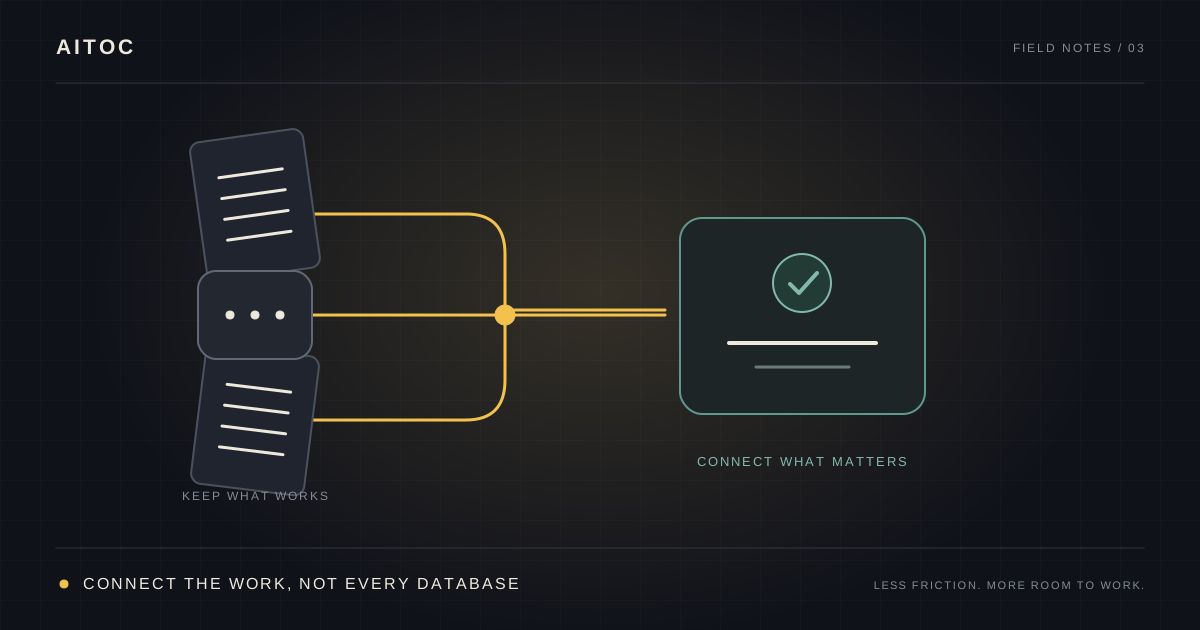
Do we have to clean everything first?
“Our job information is in WhatsApp, spreadsheets, and the scheduling software. Do we need to sort all that out before we can automate anything?”
My first answer is: we do not start by asking you to move it all.
Those tools are there for a reason. Your crew can send a message from site. Your office knows its spreadsheet. Your scheduler already has the job details. If those places work for the people using them, moving everything can create work before it removes any.
The useful question is: where does that information need to go next, and how much work does it take to get it there?
Think of a working kitchen. The ingredients do not all belong in one cupboard. Some belong in the fridge, some beside the cooker. What matters is whether the cook can find the right ingredients when the recipe needs them. Reorganizing the whole kitchen is a different job from making dinner easier to prepare.
Follow the information through one job
Take an illustrative example: getting completed job information ready for payroll.
The crew records its hours. Someone matches them to a job. A manager approves them. The office enters the approved figures into the next system.
Where does it slow down?
Perhaps the hours are already there, but someone spends every Friday copying them. Perhaps the job reference is missing, so the office chases the crew. Perhaps the hours are complete but waiting for approval.
These can all look like “messy data” from a distance. They need different fixes.
We map who uses the information, when they need it, and what they do with it. That helps us see which handoffs consume time and which improvements have a credible return. We also question steps that may no longer serve a purpose. There is little value in making an unused report arrive faster.
You do not need to prepare a perfect process document before that conversation. Bring the people who know the work and a few real examples.
Information in different places is different from information that does not exist
If a job reference is in your scheduling tool and the hours are in a field report, a custom integration may be able to bring them together. We first check that there is a reliable way to access and match them.
If nobody recorded the hours, connecting two systems will not produce the missing fact.
That does not mean you have to repair everything yourself before we can help. Improving collection can be part of the solution: selecting the job from a list, prompting for missing information, or reminding the right person before the cutoff.
The boundary is simple: we can help the information arrive; we should not guess a material fact and pass it to payroll as if someone had confirmed it.
Here is how I would separate the work:
| What is happening? | What we would investigate |
|---|---|
| Someone copies information that already exists | Connect the tools and check the transferred result |
| Names or formats differ | Agree how records can be matched reliably |
| A required detail is regularly missing | Make it easier to capture and route incomplete cases for correction |
| Two people disagree about approval | Ask the responsible person to settle the rule |
| A tool does not provide suitable access | Check another approved route or adjust the proposed solution |
Several of these can happen in the same workflow. We work through the ones that affect the result you need.
Keep familiar tools when they serve the team
If your goal is to reduce repetitive work, replacing your software is not automatically part of the answer.
Often, the opportunity is between the tools: collecting the same information twice, chasing an approval, preparing a report, or retyping an accepted result. We look for ways to remove that effort while keeping the parts your team already uses comfortably.
There are limits. A tool may restrict access, lack a reliable identifier, or make an integration too fragile to justify. We should explain those limits before recommending a build.
The promise is less unnecessary work. Which tools stay should follow from that goal.
If you want a new system, the move can happen in stages
Sometimes the current tools have become the constraint. You may want a more connected operation, better visibility, or a system that supports how the company now works.
In that case, we plan the transition alongside the improvement. Where the systems allow it, existing tools and the replacement can work together while people move across in manageable groups and receive training.
It is like moving premises: you want to know where today’s orders will be handled while the next room is being prepared.
That takes planning. We need clear rules about which system holds the current record and how changes carry across. The aim is to keep work moving and preserve the information people need while the team becomes confident in the new setup.
Start with where the hours go
If you already know which repetitive task eats the week, start there. If you are unsure, a Time Study is a useful first step.
Use a spreadsheet to record activities, time spent, and what caused interruptions or rework. Include representative busy days and recurring tasks; one unusually quiet afternoon can give a misleading picture.
You can also use our RAFAI Time Study app. Setup takes about ten minutes, then you can log activities as they happen. Activity data stays locally on your phone and is not sent to us. You choose whether to export it for yourself or share it during an Automation ROI Audit.
The study shows where to investigate. We still need to check what can realistically be improved and what the change would cost. For help separating time recovered from cash savings, see how to calculate the cost of manual work.
You do not need a tidy company-wide database to have that conversation. Start with one task your team would be happy to spend less time doing.
Denis Rafailov
Denis has spent 14 years building business software and operational automation. AITOC uses this material to help operators make better workflow decisions before anyone recommends a build.